Android app · on Google Play
Hold the spacebar and speak. It is written for you.
Azadi 24 is on your phone too: a Bangla keyboard with voice typing built in. Let go, and the whole text is there with punctuation. Plus AI tools on selected text, a document scanner, text from files, and typing on your computer from the phone.

Android 10 or newer · No ads
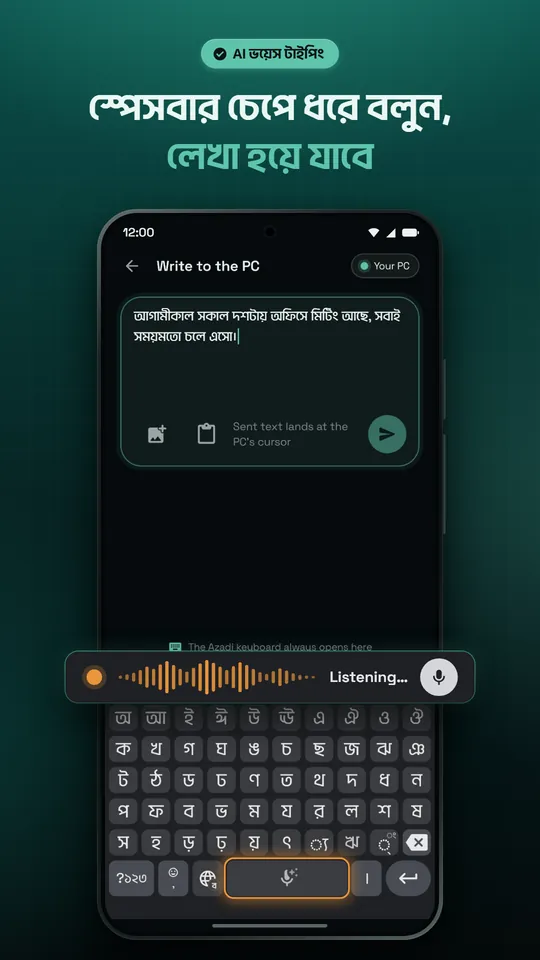
Hold the spacebar and speak
On the Bangla or English keyboard, hold the spacebar, speak and let go: the whole text comes in that keyboard's language, with punctuation. This needs you to sign in. Tap the small microphone instead for standard voice typing with the phone's own speech recognition, no account needed.
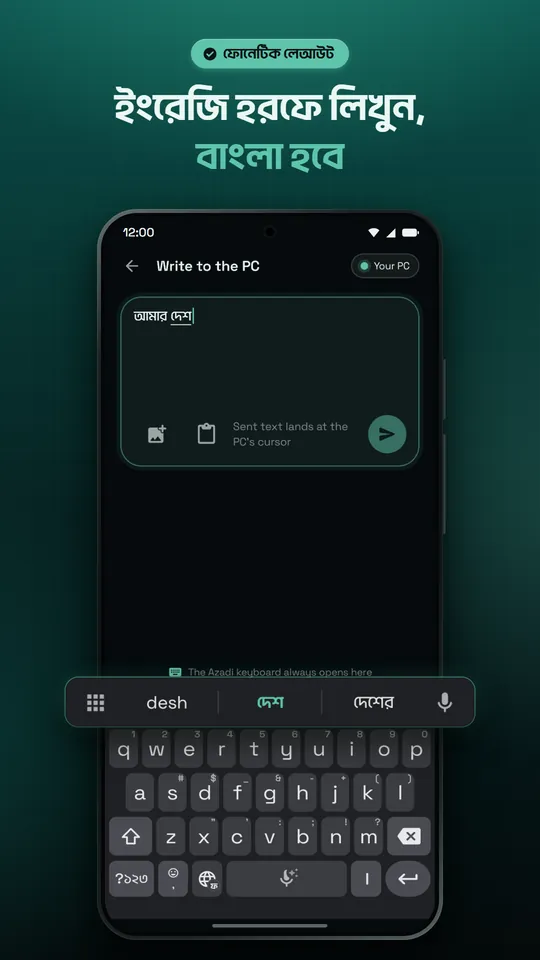
Type in English letters, get Bangla
Four Bangla layouts: phonetic (type the sounds in English letters and get Bangla), alphabetical, Jatiyo and Probhat. Plus English, Arabic, Urdu, Hindi, Malay and Indonesian keyboards, and word suggestions in Bangla and English.
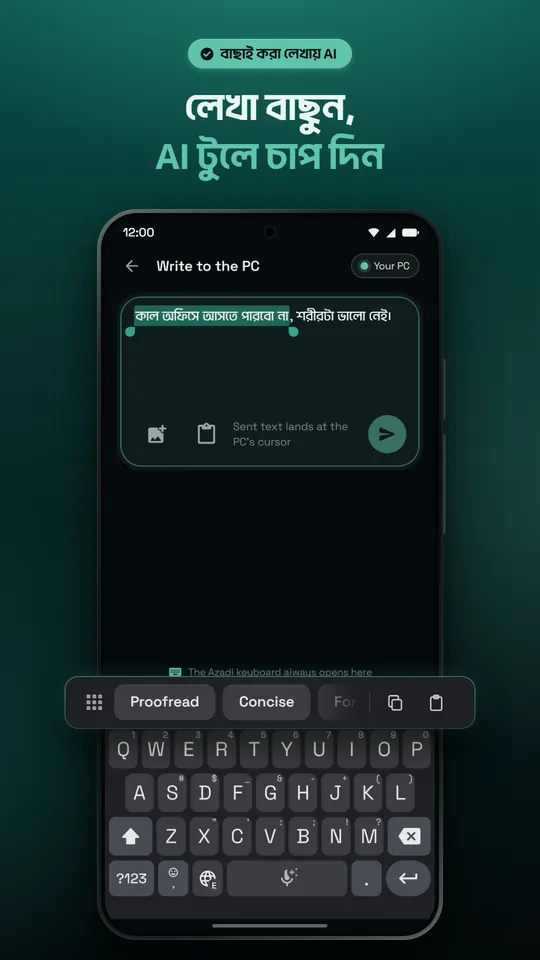
Select text, tap an AI tool
Select text in any app and the keyboard shows tools: proofread, concise, formal, friendly, rewrite, shorten, expand, translate, a one-line math result, and prompt writers for code, writing, images and video. They are also in other apps' text-selection menu as "Azadi 24 AI".
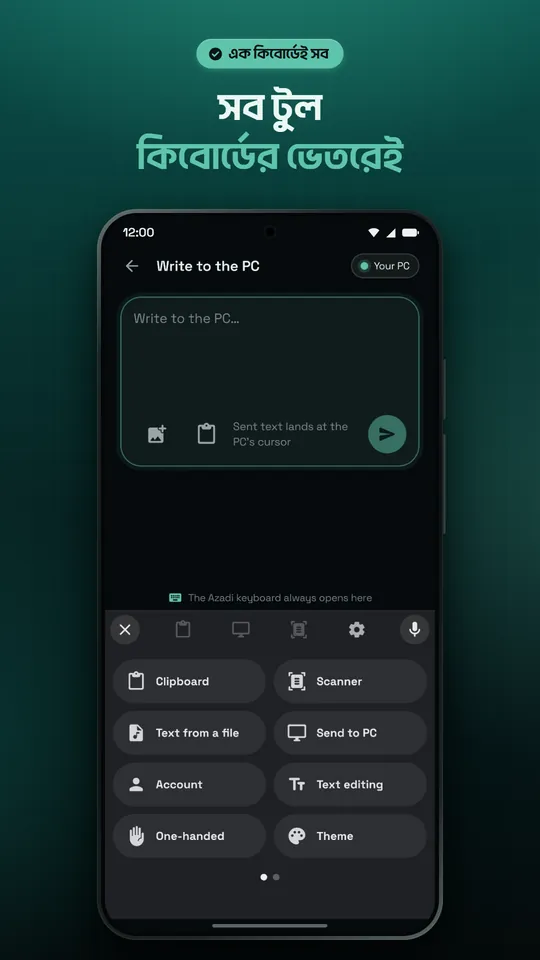
All the tools inside the keyboard
Clipboard history, the scanner, text from a file, sending to your computer, one-handed mode and themes, all in one keyboard panel. Paste copied text or a copied picture with one tap.
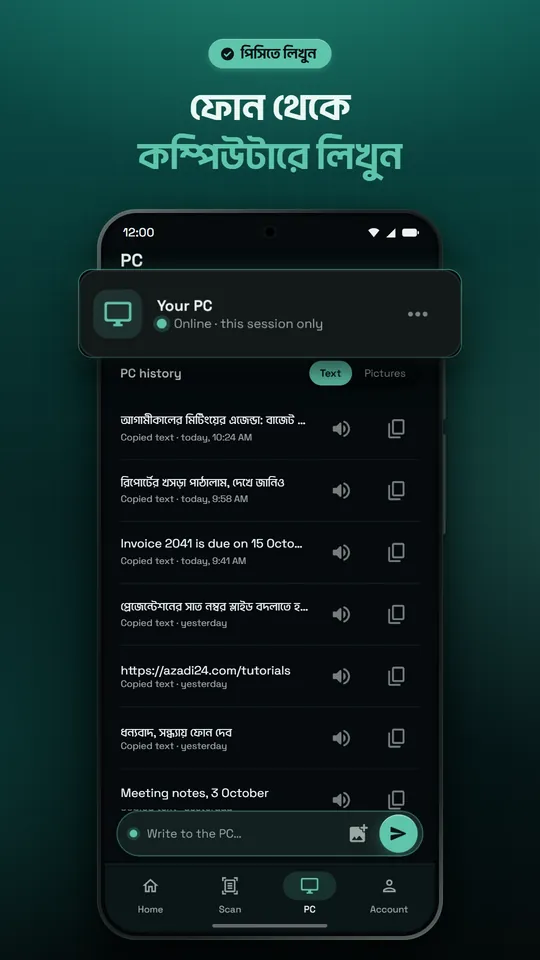
Type on your computer from your phone
With Azadi 24 for Windows running on your computer, scan its QR code and confirm a four-digit code. What you write on the phone is typed at the computer's cursor. You can send pictures too.
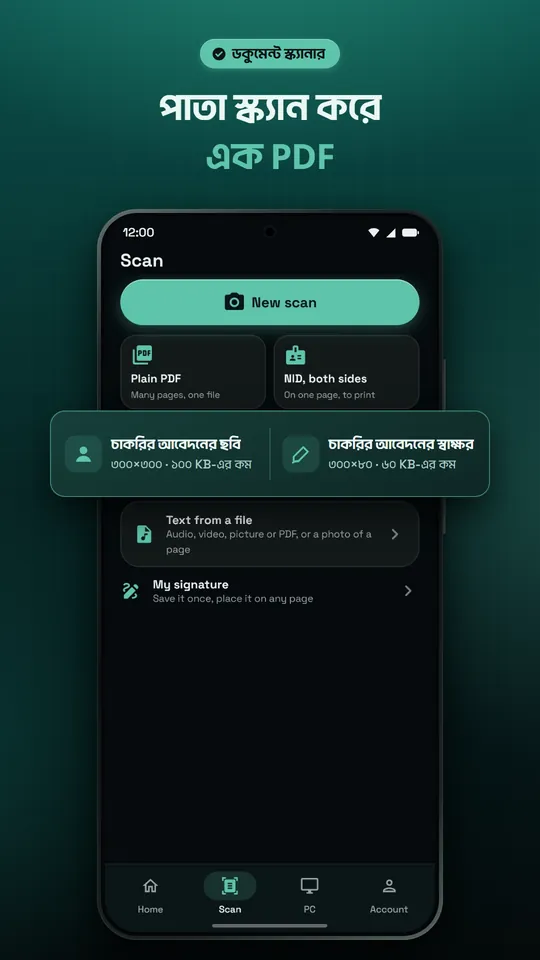
Scan pages into one PDF
Take page after page with the camera and get one PDF. The edges are found and the page is cleaned automatically.
- An ID card's front and back on one page, ready to print
- A photo (300 x 300) and a signature (300 x 80) in job-application sizes
- Save your signature once and place it on any page
- No account needed for the scanner
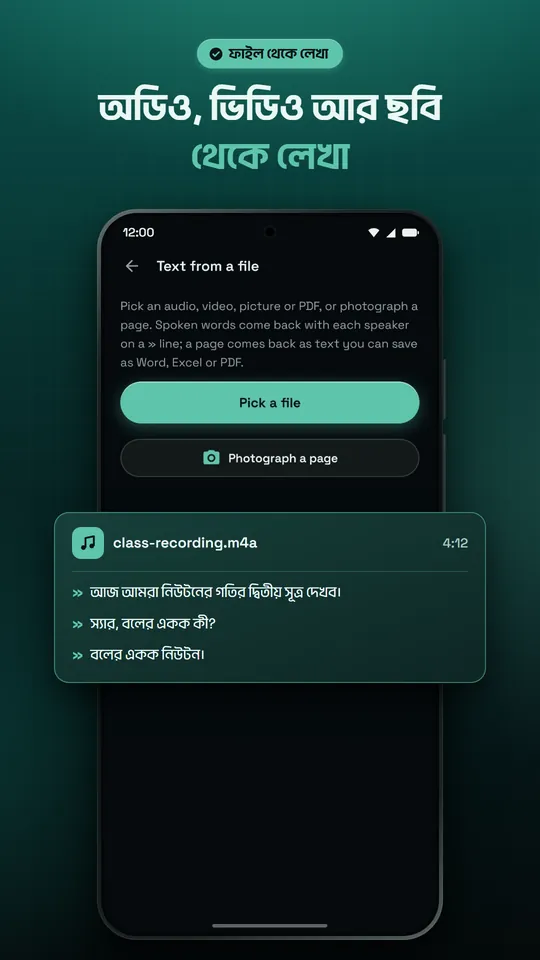
Text from audio, video and pictures
Pick an audio, video, picture or PDF file, or photograph a page, and get the text. Spoken files can be up to 12 minutes, with each speaker on a separate line.
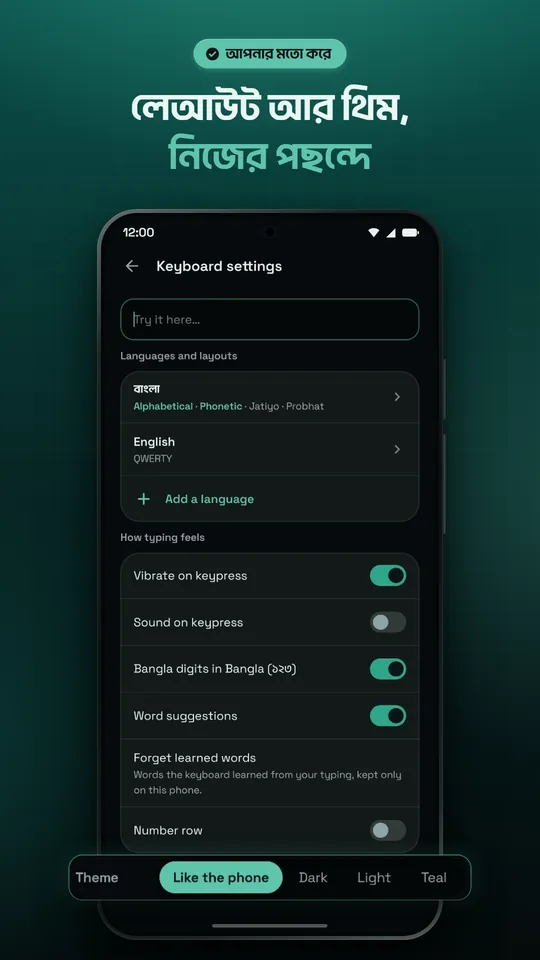
Layouts and themes, your way
A number pad, a number row, Bangla digits, emoji and one-handed mode. Dark, light or teal themes, or follow the phone.
How to start
- Install Azadi 24 from Google Play (Android 10 or newer).
- Open the app, choose the keyboards you want, then allow the microphone.
- For safety Android does not let an app turn a keyboard on by itself: the app's button opens the settings page, where you turn on "Azadi 24 Keyboard" and answer OK to Android's message.
- Choose the Azadi keyboard. From then on it comes up in every app; hold 🌐 to go back to your old keyboard.
- In any text field, hold the spacebar and speak. Sign in for AI voice typing.
What you type stays on your phone
- The keyboard never sends your keystrokes.
- Only what you choose leaves the phone: a recording while you hold the spacebar and text you send to an AI tool (through our server to an AI service), and text or pictures you send to your own computer. We do not keep the recording.
- Voice and AI tools are off in password fields.
- No ads. You can delete your account in the app at any time.
One account, on the phone and the computer
The Google account you sign in with on your computer is the same on the phone. AI features have daily and monthly limits that follow the account's plan, so Pro covers both.
See plans and pricesQuestions
Is the Azadi 24 Android app free?
Installing is free and there are no ads. The keyboard, standard voice typing on the small microphone and the scanner work without an account. AI voice typing (holding the spacebar) and the AI tools need you to sign in; their daily and monthly limits follow the account's plan.
Which phones does it run on?
Any phone with Android 10 or newer. There is no iPhone app yet.
How do I go back to my old keyboard?
Hold the keyboard's 🌐 key and pick your old keyboard.
Does what I type go anywhere?
No. The keyboard never sends your keystrokes. Only what you send leaves the phone: speech while you hold the spacebar and text you give an AI tool, through our server to an AI service.
Do I need the computer app?
No, the phone app works on its own. Only typing on your computer from the phone needs Azadi 24 for Windows running on the computer.
Get Azadi 24 on your phone
Install it from Google Play; setup takes a minute.